
Download rTorrent – Free, Secure BitTorrent Client for Windows, macOS, Linux
Overview
rTorrent is an open‑source BitTorrent client that brings the power of peer‑to‑peer file sharing to the command line. Designed for speed, low‑resource consumption, and deep configurability, rTorrent lets users download massive files in a fraction of the time required by traditional HTTP transfers. While the interface is text‑based, the client supports all modern torrent features, including DHT, PEX, magnet links, and encryption, making it a solid choice for power users, servers, and anyone who prefers a lightweight, scriptable solution.
Because rTorrent is released under the GPL license, it remains completely free to download, modify, and redistribute. Users can run it on a wide variety of operating systems, from desktop Linux distributions to macOS and even Windows through the Windows Subsystem for Linux (WSL) or Cygwin. Its modular architecture also enables seamless integration with web front‑ends like ruTorrent, giving a graphical layer without sacrificing the underlying speed and efficiency.
In short, rTorrent delivers a secure, high‑performance torrent experience for anyone who values control, automation, and zero cost.
Key Features
- Command‑line driven interface for maximum speed and scriptability.
- Full support for magnet links, DHT, PEX, and tracker‑less torrents.
- Low memory footprint – ideal for headless servers and embedded devices.
- Highly configurable via the .rtorrent.rc file; over 100 options.
- Built‑in rate limiting, scheduling, and automatic seeding controls.
- Encryption support to protect privacy on public networks.
- Seamless integration with ruTorrent and other web‑based front‑ends.
- Cross‑platform compatibility via Linux, macOS, and Windows (WSL/Cygwin).
- Open‑source GPL license – free to use, modify, and redistribute.
- Active community with frequent updates and extensive documentation.
Installation & Usage Guide
Installing rTorrent is straightforward on most platforms. On Debian‑based Linux distributions, a simple sudo apt-get install rtorrent pulls the latest stable package from the repository. For Fedora, sudo dnf install rtorrent does the trick, while Arch users can run pacman -S rtorrent. macOS users can install via Homebrew: brew install rtorrent. Windows users who prefer a native experience can enable the Windows Subsystem for Linux, install a Ubuntu distribution, and follow the Linux steps; alternatively, Cygwin provides a Unix‑like environment where rTorrent can be compiled from source.
Once installed, the core of rTorrent’s power lies in its configuration file, typically located at ~/.rtorrent.rc. Beginners can start with a minimal configuration that sets the download directory, enables DHT, and defines upload/download limits:
directory = ~/torrents/download
session = ~/torrents/session
dht = auto
peer_exchange = yes
schedule = watch_directory,5,5,load_start=~/torrents/watch/*.torrent
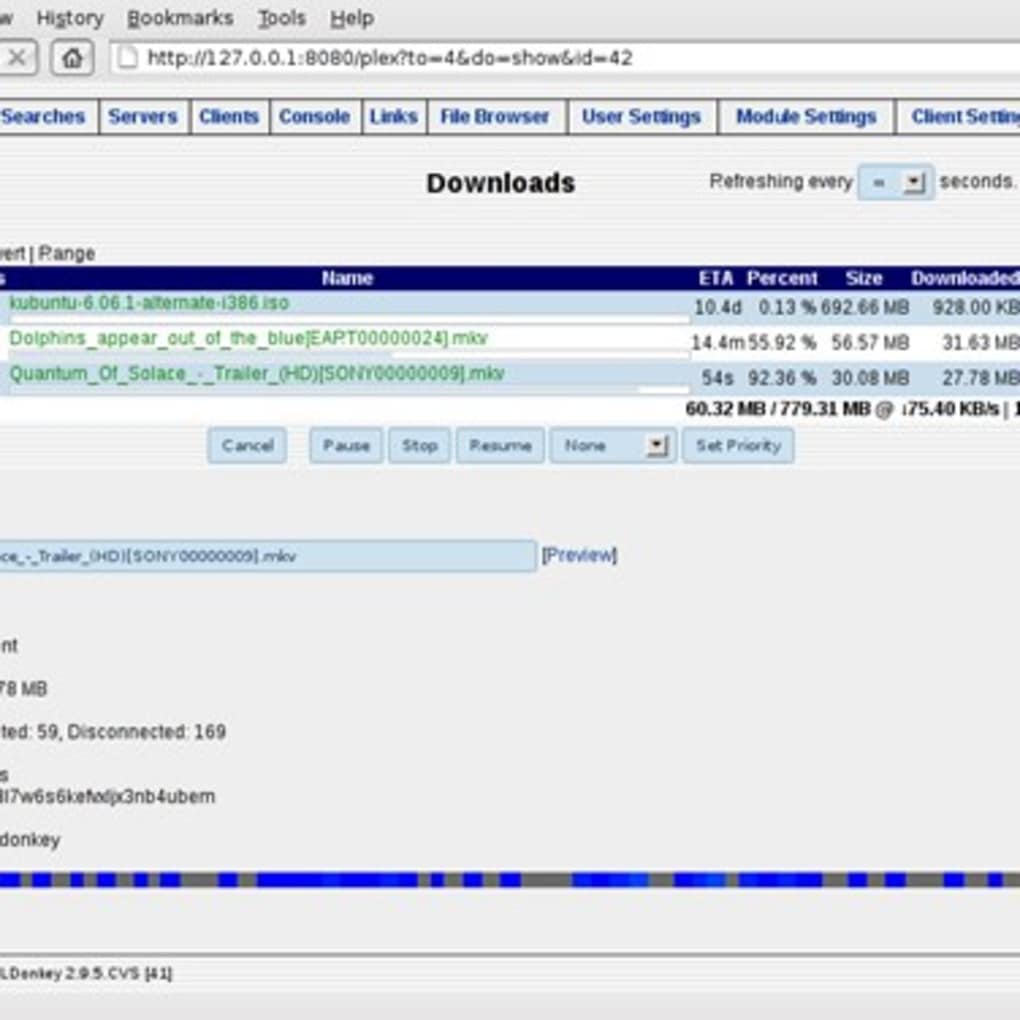
After saving the file, launch rTorrent by typing rtorrent in a terminal. The interface shows a list of active torrents, each with progress bars, peer counts, and speed statistics.Adding a new torrent is as easy as dropping a .torrent file into the watched folder or running rtorrent /path/to/file.torrent. For magnet links, use rtorrent "magnet:?xt=urn:btih:...". Advanced users can script automated actions, such as stopping seeding after a ratio threshold or rotating log files, using the rich scheduling language built into rTorrent.
Updating rTorrent is typically handled through the system package manager, ensuring you receive security patches and new features without manual recompilation. For those who compiled from source, pulling the latest Git tag and rebuilding with ./configure && make && sudo make install is the recommended path.
Compatibility, Pros & Cons
rTorrent runs natively on Linux distributions, including Ubuntu, Debian, Fedora, and Arch. macOS users enjoy full compatibility through Homebrew or MacPorts. Windows users can run rTorrent via the Windows Subsystem for Linux (WSL) or Cygwin, providing near‑native performance without a heavyweight GUI. Because it’s a command‑line tool, rTorrent works perfectly on headless servers, VPS instances, and even low‑powered Raspberry Pi devices.
Pros
- Extremely low resource usage – ideal for servers and low‑end hardware.
- Full-featured torrent protocol support (DHT, PEX, encryption).
- Highly scriptable and configurable for automation.
- Free and open source with an active community.
- Seamless integration with web front‑ends like ruTorrent.
Cons
- Steeper learning curve for users unfamiliar with the command line.
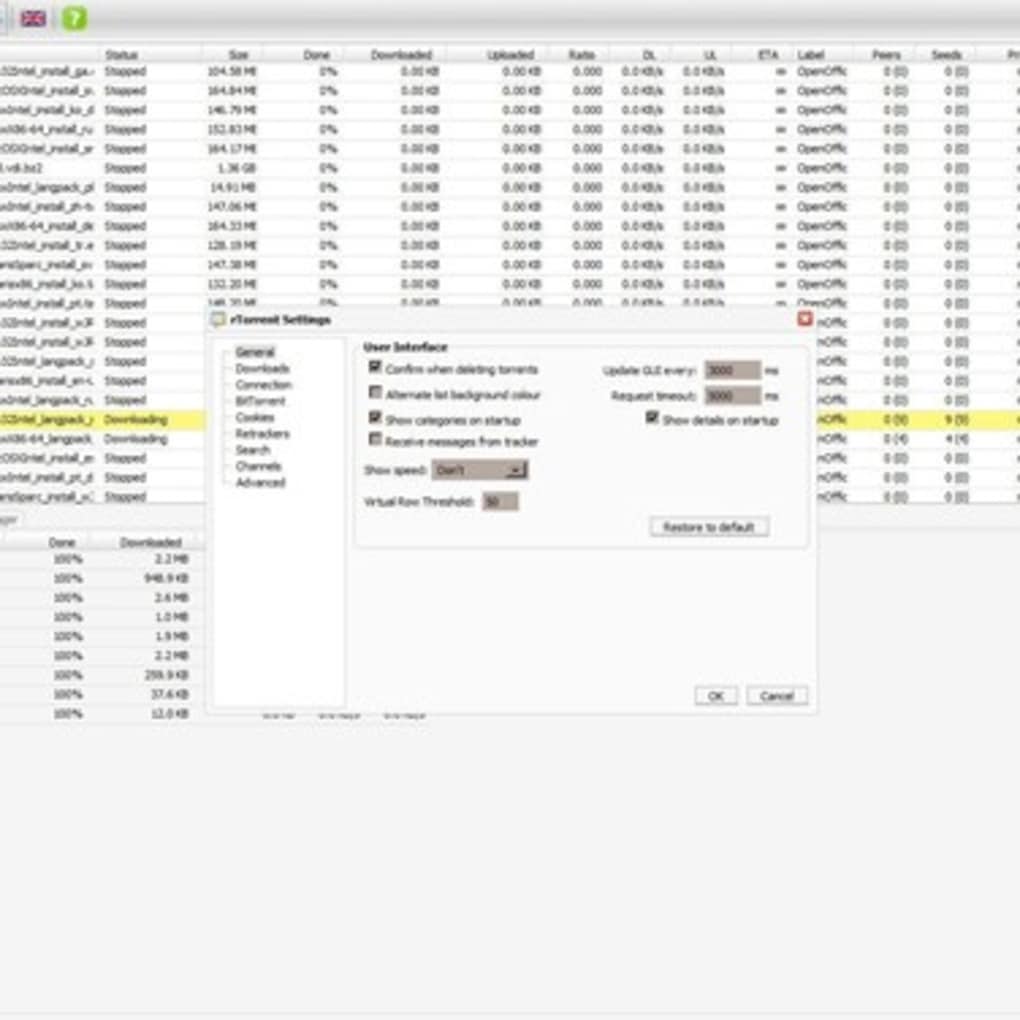
- No native graphical interface – requires a web UI or third‑party front‑end.
- Windows support relies on WSL or Cygwin, not a true native exe.
- Initial configuration can be overwhelming due to many options.
- Limited built‑in reporting; users must rely on external tools for analytics.
Expert Review
As a seasoned torrent client reviewer, I find rTorrent to be a benchmark for efficiency. Its command‑line nature eliminates the bloat commonly found in GUI‑based clients, allowing it to run on machines with as little as 64 MB of RAM. The configurability is a double‑edged sword: power users can fine‑tune every aspect, while newcomers may need to follow community guides. Overall, the trade‑off is worthwhile for anyone who values speed, security, and the ability to automate downloads on remote servers.
Frequently Asked Questions
Is rTorrent completely free to use?
Yes. rTorrent is released under the GPL license, which means you can download, modify, and redistribute it at no cost.
Can I run rTorrent on Windows without WSL?
Native Windows support is not provided, but you can run rTorrent through Cygwin or the Windows Subsystem for Linux, both of which give near‑native performance.
How do I secure my torrent traffic?
Enable encryption in your .rtorrent.rc file with encryption = allow_incoming,allow_outgoing,prefer_plaintext. Using a VPN or proxy in conjunction with rTorrent adds an extra layer of privacy.
What is the best way to monitor rTorrent remotely?
Pair rTorrent with the ruTorrent web interface. Install ruTorrent on the same server, configure the scgi_port in .rtorrent.rc, and access the GUI from any browser.
Does rTorrent support magnet links?
Yes. Simply paste the magnet URI after the rtorrent command, e.g., rtorrent "magnet:?xt=urn:btih:...", and the client will start downloading.
Conclusion & Call to Action
rTorrent stands out as a high‑performance, free BitTorrent client that delivers speed, security, and flexibility without the overhead of a graphical interface. Whether you are managing a personal seedbox, automating large‑scale downloads on a server, or simply prefer a lightweight tool that respects system resources, rTorrent offers a compelling solution. Its open‑source nature ensures continuous improvements, and the vibrant community provides ample support and documentation. Ready to experience torrenting at its most efficient? Download rTorrent now, configure your .rtorrent.rc, and unleash the power of peer‑to‑peer sharing on any platform you choose.







